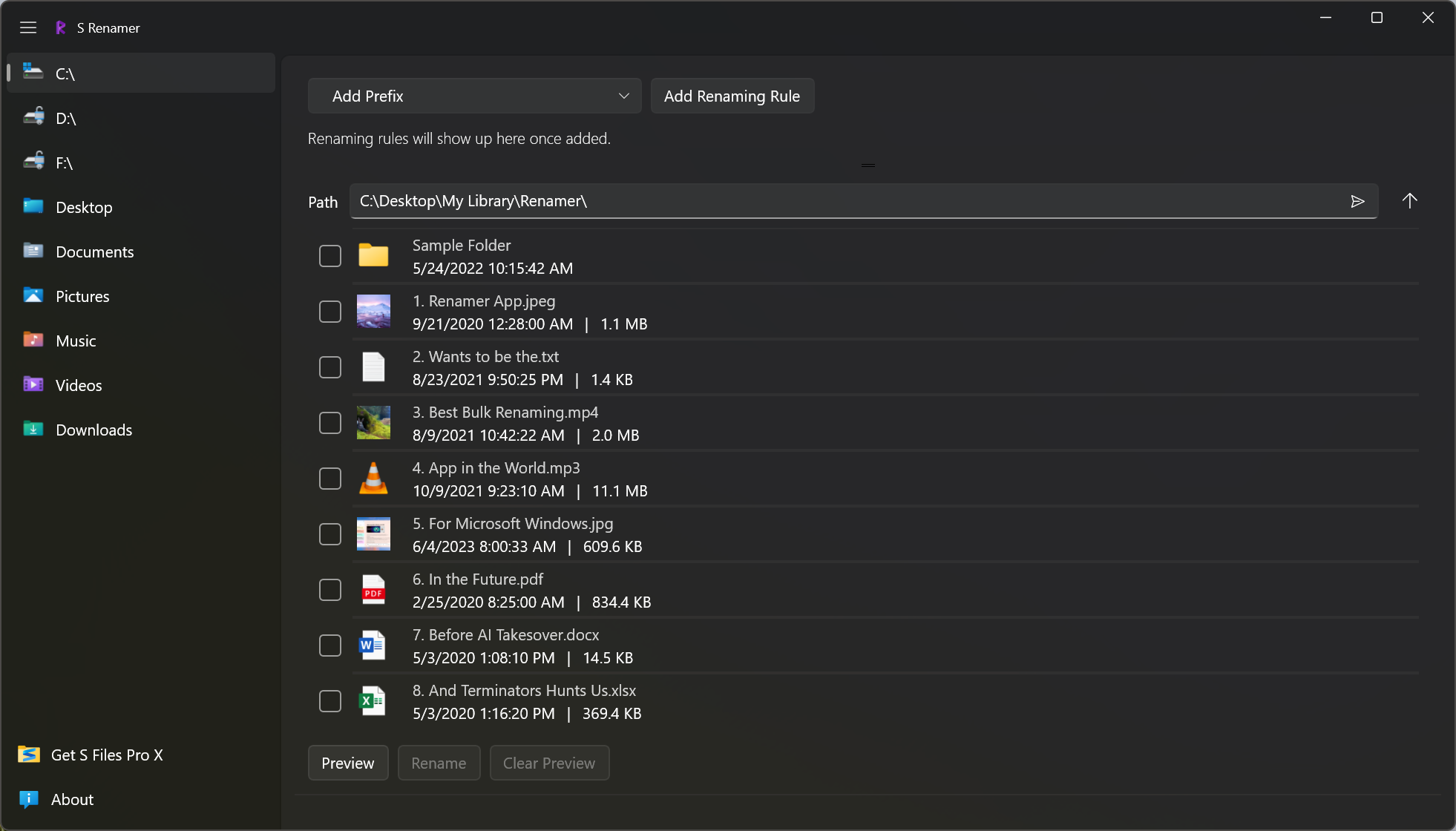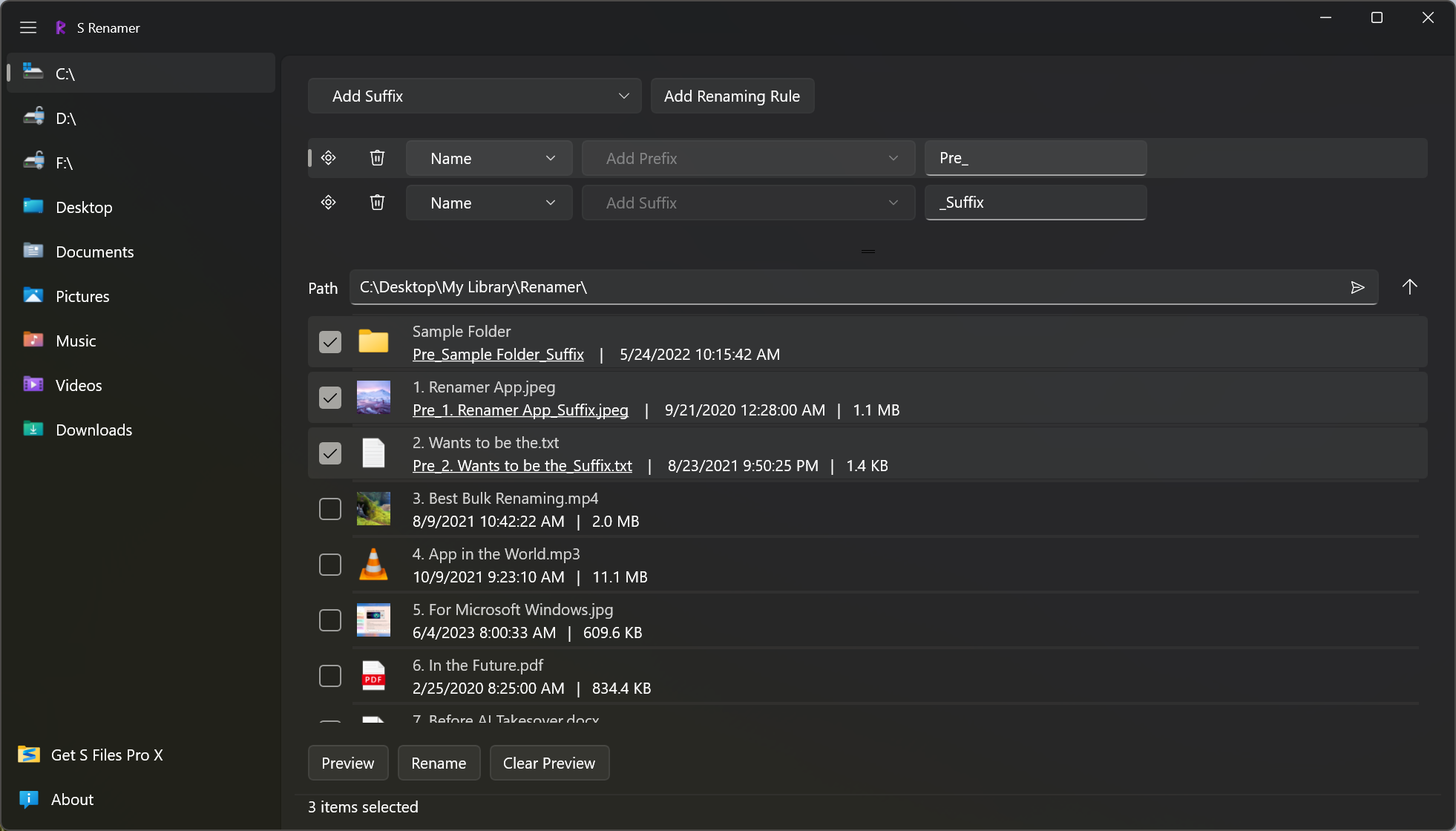
If you ever need to rename a large number of files and folders at once, look no further: S Renamer has a built-in file browser and supports multiple renaming rules. Organize your photos, videos and documents by renaming them properly, all at once!
Features
Built-in File Browser
Find the files you want to rename without switching to another app.
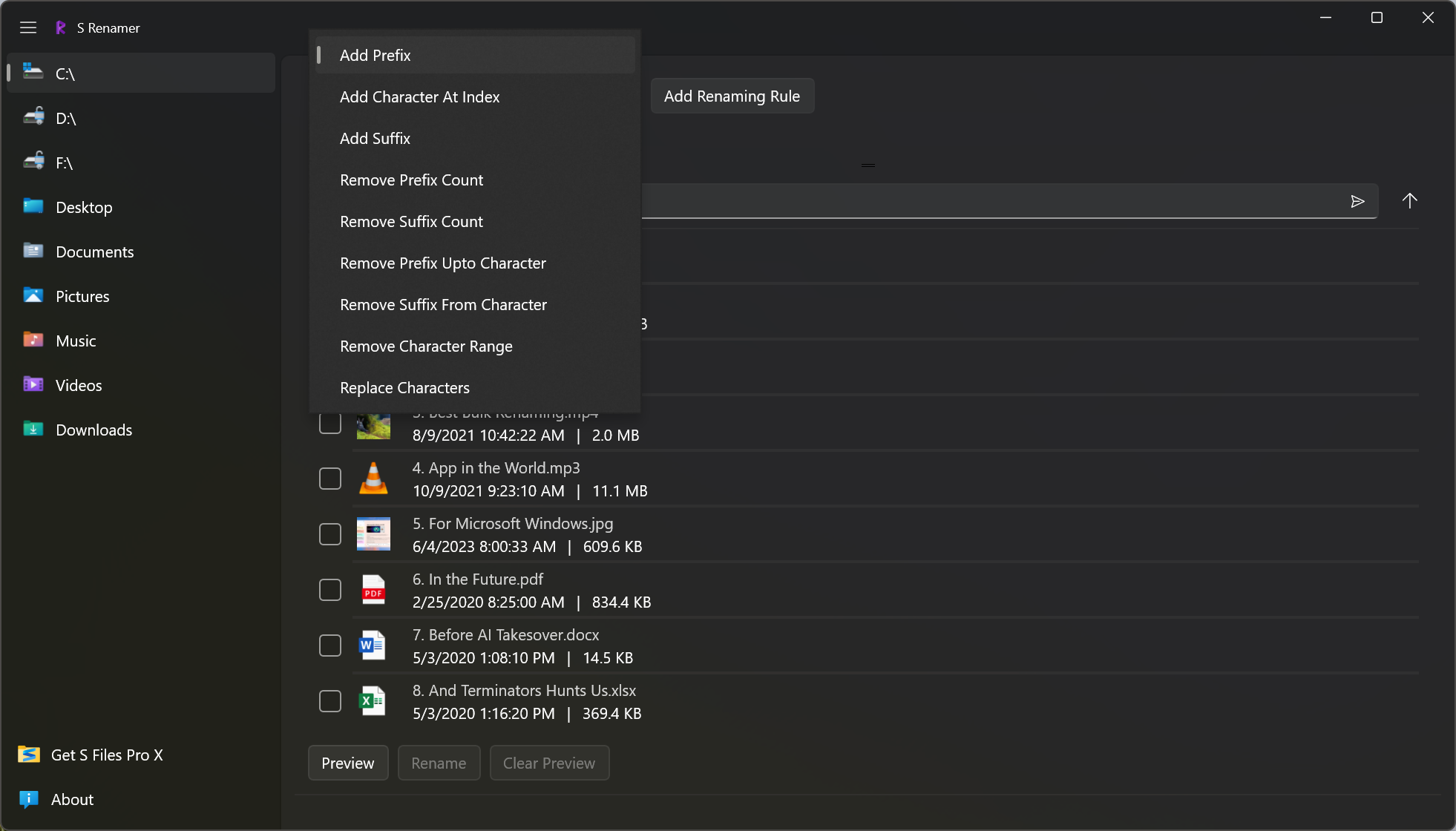
Nine Stackable Rules
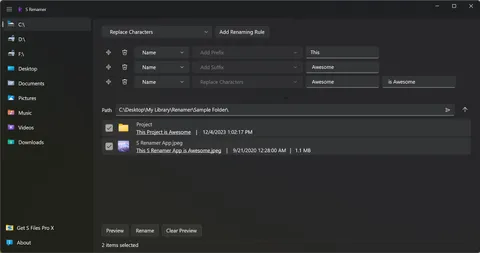
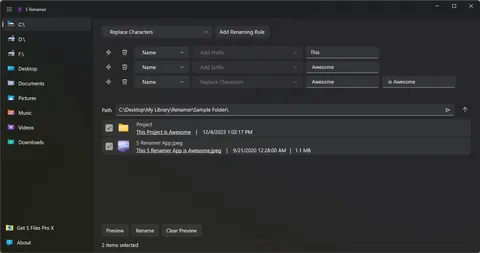
Combine rules such as Add Prefix, Remove Character Range and Replace Characters, and apply them all at once.
Instant Preview
See every new name before anything is renamed, so there are no surprises.
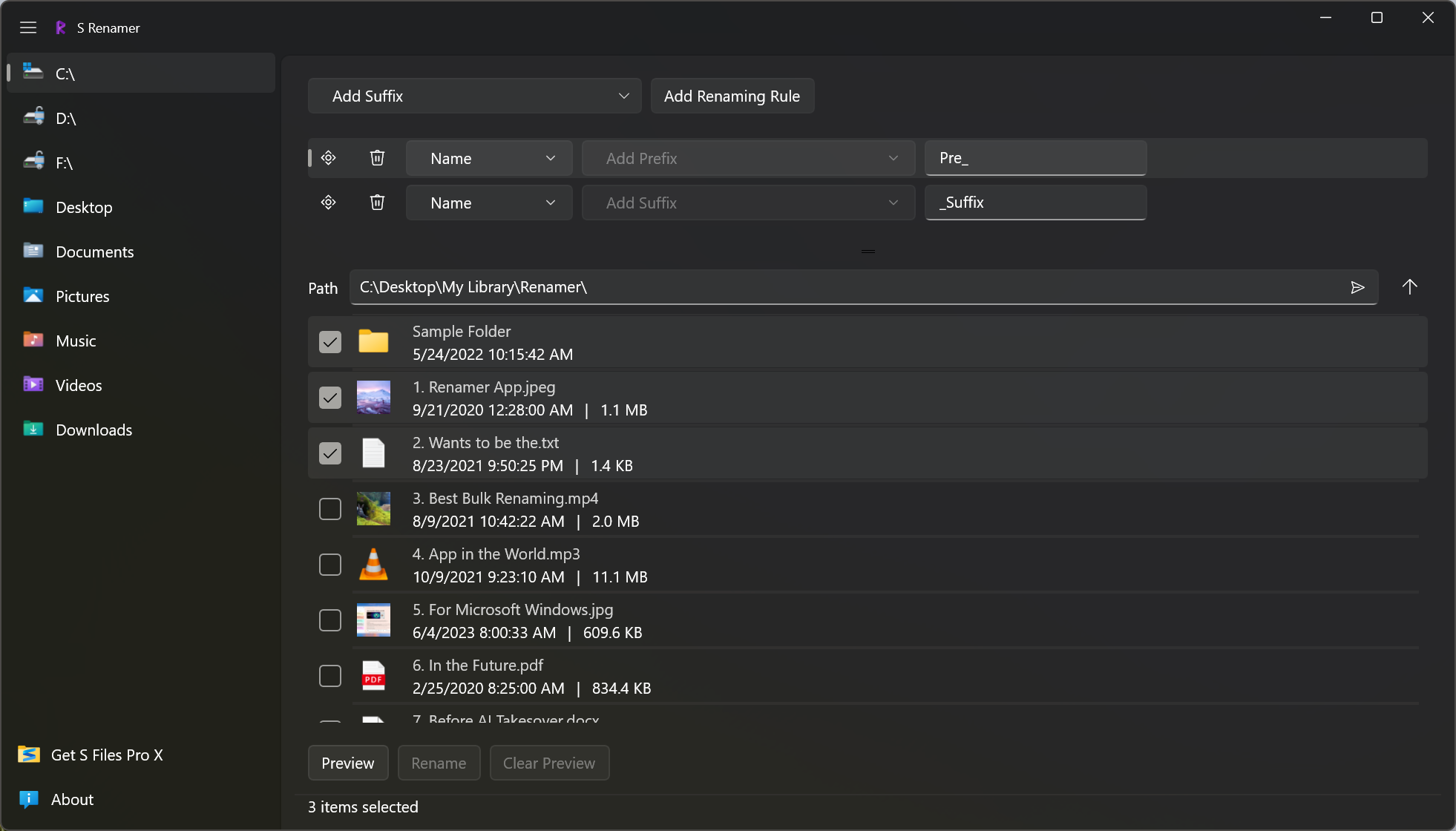
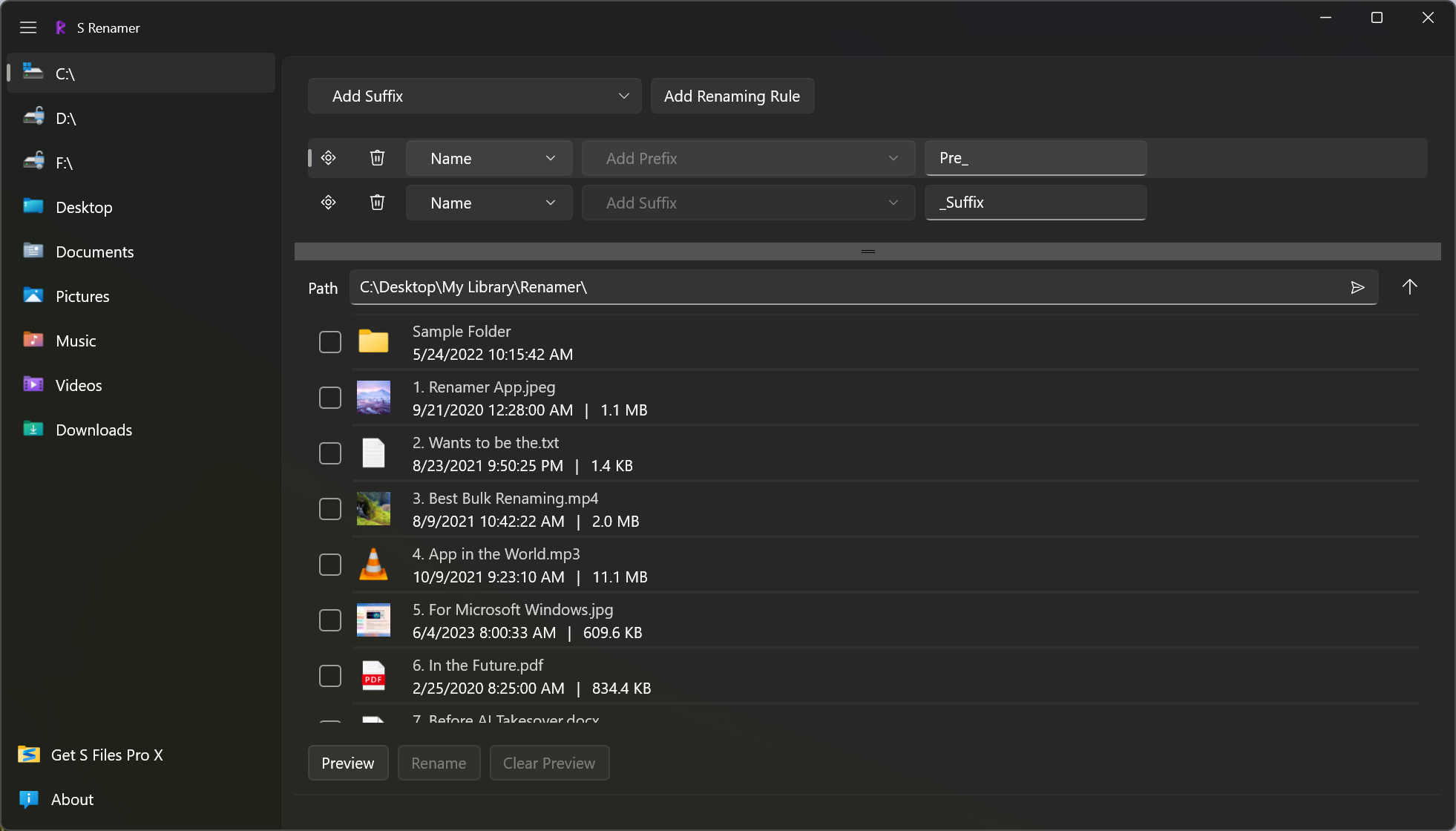
Reorder Renaming Rules
Drag and drop rules to change the order they run in.
Select Items You Want
Tick the files and folders to rename and leave the rest untouched.
Modern Interface
A clean interface that follows Microsoft's latest design language, in light or dark theme.
New to bulk renaming? Read how to rename multiple files at once, with an example of every rule.
Gallery