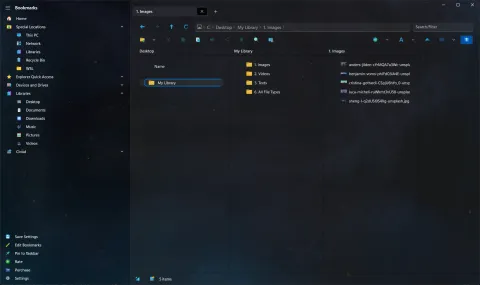
S Renamer started life inside S Files Pro X: version 3.13 (August 2023) added a bulk renamer to the file manager. That same month, early 0.x versions of S Renamer appeared on the Microsoft Store as an app of its own. In November the renamer inside S Files was switched off in favor of the standalone app, and on December 14, 2023, S Renamer reached version 1.0.
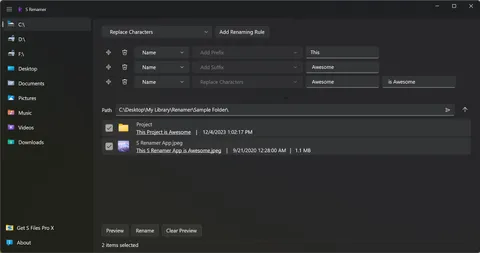
Project becomes This Project is Awesome.What it does
Pick a folder, tick the files and folders to rename, and add rules. S Renamer applies the rules in order and shows each new name before anything changes. When the preview looks right, click Rename.
Nine rules
- Add Prefix
- Add Suffix
- Add Character At Index
- Remove Prefix Count
- Remove Suffix Count
- Remove Prefix Upto Character
- Remove Suffix From Character
- Remove Character Range
- Replace Characters
Each rule can change the name or the extension. The guide How to rename multiple files at once has an example for every one.
Made to be quick
- A built-in file browser, with drives and libraries in the sidebar.
- Drag rules to reorder them, or delete the ones you no longer need.
- Resize the rules area and the file list to fit what you are working on.
- Double-click an empty area of the list to go up a folder.
- Light, dark or the Windows default theme.
S Renamer 1.0 is available in English, Spanish and Chinese Simplified, thanks to Drac and Fairycn, with machine translations for other languages.
Since 1.0
Version 1.2 (September 2026) rebuilt the file browsing and rename engine on a new library and made thumbnails load faster in folders with many images. See the S Renamer changelog.