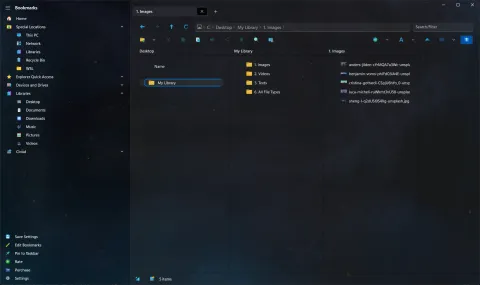
Two updates in November and December 2022 brought back features that Pro X users had been missing since the move to the new Windows platform.
Drag and drop works again
For a few months, from version 2.7, drag and drop was switched off. A bug in the Windows App SDK, the platform the app is built on, made the app crash when files were dragged, and only Microsoft could fix it. Version 2.17 moved to Windows App SDK 1.2, and drag and drop came back for files, folders, bookmarks and tabs.
Audio and video players are back
The internal audio and video players had not yet made the jump from the original app to Pro X. Version 2.17 brought both back:
- The audio player has a playlist of the audio files in the folder.
- The video player plays videos without leaving the app.
File lists in the viewers
- The text editor gained a list of the files in the folder, so you can move from file to file without going back to the main window.
- In version 2.18, the image viewer gained a strip of thumbnails for flipping through the photos in a folder.
- You can set a maximum width for the lists in the text editor and audio player, and 2.18 also worked on reducing memory use.

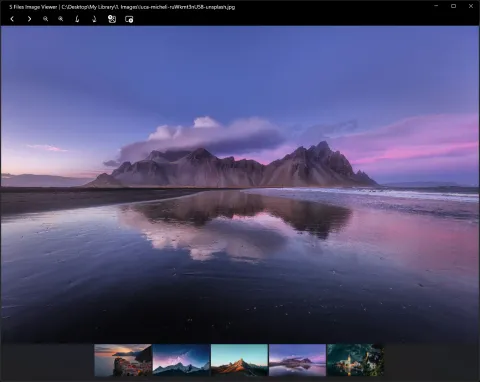
The image viewer before and after the thumbnail strip arrived.
What happened next
The players kept improving: in version 3.2 (May 2023), audio and video play one file after another automatically, and the audio player highlights the track that is playing. See the built-in viewers today.