
Opening a text file or a photo should not mean waiting for another app to start. S Files Pro X has its own lightweight viewers, so you can look at a file and get back to your folders straight away. The speed test videos compare them with Notepad, Photos, Movies & TV and VLC.
Open a file in a viewer
Select a file and press Space or F6. If the file type has a built-in viewer it opens there; otherwise it opens in its usual app. Pressing Enter opens files as usual.
Text editor with Markdown preview
- Edit text files, with the list of files in the folder beside the editor.
- See a live preview of Markdown files next to the text. The file list, editor and preview columns can each be resized.
- Find the next or previous match of a word.
- If you switch to another file with unsaved changes, the editor offers to save them first.
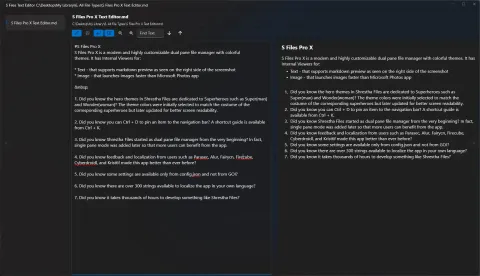
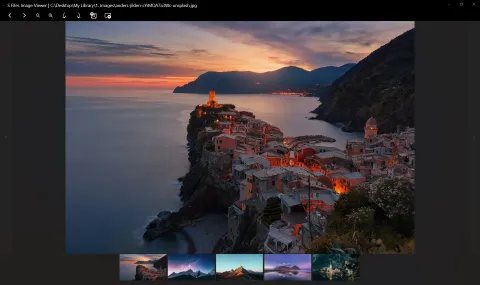
Image viewer
Browse the photos in a folder with a strip of thumbnails and a toolbar. Formats include common image types and WebP.
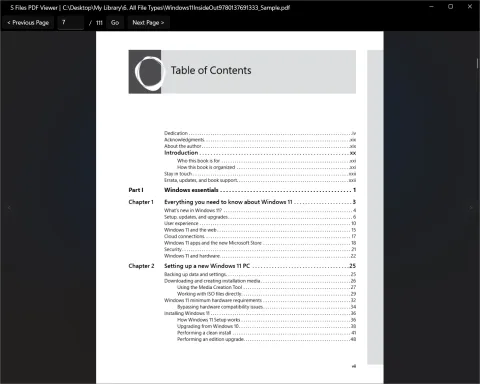
PDF viewer
Read PDF files without a separate reader. Page through with Previous Page and Next Page, or type a page number and click Go. The arrows at the sides open the previous or next PDF in the same folder. Since version 3.26 the file is released as soon as you close the viewer, so you can move or delete it right away.
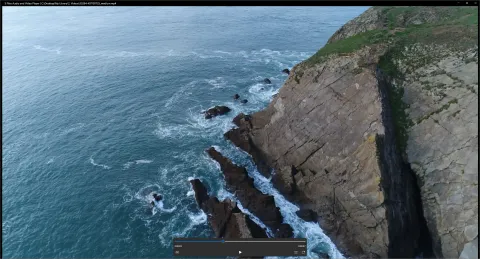
Audio and video players
- The audio player has a playlist of the folder’s audio files, highlights the track that is playing, and plays the next file automatically.
- The video player opens WMV, MP4, AVI and MPEG files.
Choose which files open where
Advanced users can change the list of file extensions for each viewer (text, image, audio, video and PDF) in the app’s config.json file. Edit it only while the app is closed, as explained in the F.A.Q..