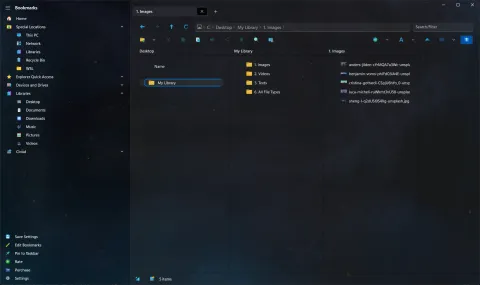
S Files Pro X has its own text editor, so you can read or tweak a text file without waiting for another app to open. Version 3.9 gave it a redesign.
Three resizable columns
After the redesign, the editor shows three columns side by side:
- the list of files in the folder (added in version 2.17),
- the text you are editing, and
- a live Markdown preview, handy for README files and notes.
Drag the dividers between them to make any column wider or narrower. Open a text file with Space or F6 to use it.
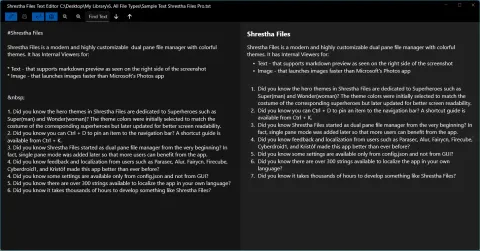
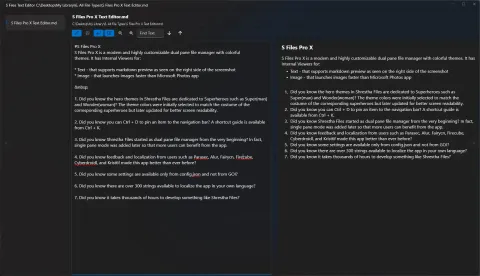
The text editor before the redesign, and today with the file list, text and Markdown preview in resizable columns.
The update also fixed the “save changes?” prompt appearing after switching to a file that had no unsaved changes. The prompt still appears when you switch away from a file that does have them.
The window remembers where it was
S Files Pro X now opens with the same window size and position as last time. If you prefer, a new setting starts the app maximized.
Other changes in 3.9
- Tab settings to hide the file operation toolbar or the view options toolbar, for a cleaner look.
- A separate close button for the Settings window, so it is not confused with closing the app.
- An experimental setting to show the folders pinned in File Explorer among your bookmarks.
See the changelog for version 3.9, and everything the built-in viewers can do.