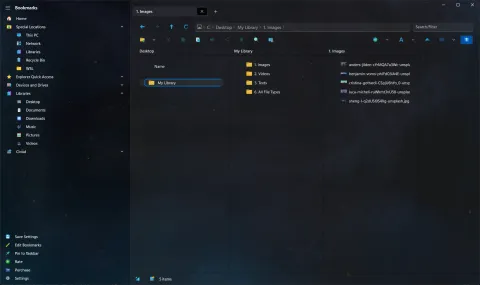
Shrestha Files Pro X version 2.0 launched alongside Microsoft Build 2022. The X stands for neXt: it is a new version of Shrestha Files Pro, rebuilt on a newer Windows platform. The app has since been renamed S Files Pro X.
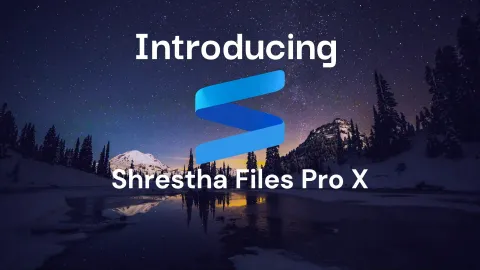
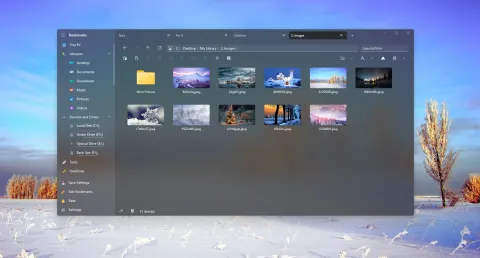
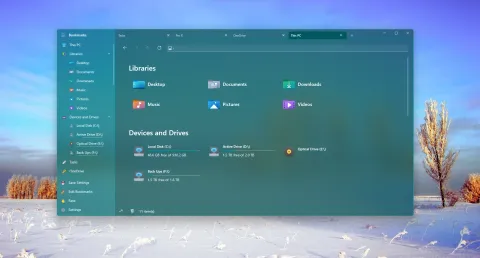
Shrestha Files Pro X in May 2022, when the Home page was still called This PC.
Why a new version
The original Shrestha Files Pro was a Universal Windows Platform (UWP) app. UWP kept apps in a tight sandbox, which a file manager kept running into: it could not run .exe files, could not show hidden or system files, and was slower than it should have been.
Pro X is built on the Windows App SDK and WinUI 3, the platform Microsoft recommends for modern desktop apps. Compared with the original, Pro X:
- loads folders and copies files much faster,
- shows hidden and system files and folders, and shortcuts,
- runs
.exe,.batand similar files directly, without the separate add-in the original needed, - no longer asks for file access permission,
- supports custom icon packs.
What came along
Pro X kept what people liked about the original: browser-style tabs, single or dual pane, colorful themes, custom backgrounds, multi-level bookmarks, and built-in viewers for text, images and PDF files. If you were moving from the original app, you could copy its config.json into the Pro X folder to bring your setup along.
To show that Pro X was the newer app, its beta versions were numbered 1.x, and the launch version became 2.0.
A new logo
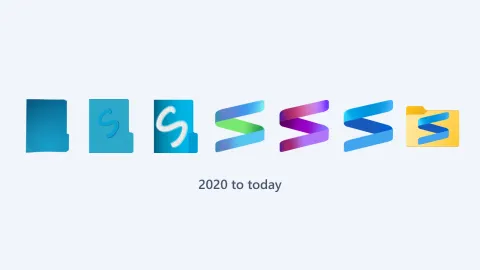
Pro X also got a new look for its icon during the beta. Version 1.57 (March 16, 2022) gave Pro X its own purple and pink version of the ribbon “S”, and version 1.74 (May 7, 2022), just before the launch, settled on the blue ribbon that is still at the heart of the logo today. See the logo through the years.



Still to come at launch
A few features had not been ported yet when 2.0 launched:
- the internal audio and video players, which came back in version 2.17,
- phones and cameras (MTP devices) and network locations, which arrived with version 3.0. Until then, a network location could be mapped as a drive to open it.
Pro X also took a little longer to start than the original app.
Version 2.1 followed on May 24 with a Chinese Traditional translation, thanks to TGi. Three days later, the app was named a finalist in the Microsoft Store App Awards. Read the changelog for 2.0 and the 1.x beta history.