October 2020 was a big month for Shrestha Files, with three releases in four weeks.
Version 0.17: themes and safer updates
- Choose the app theme yourself instead of always following Windows.
- Settings from the previous version are backed up whenever the app is updated, so they can be restored by hand if needed.
- After an update, the app offers to show what changed.
- The progress viewer and the log viewer became separate panels.
Version 0.18: the Home page
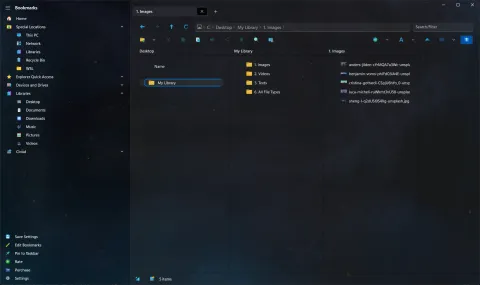
Version 0.18, “one of the major updates since the first release”, added a Home page (called This PC at the time) with your libraries, drives and recent files. It also:
- removed the title bar to give more room to your files,
- added zip extraction, to go with zip compression from version 0.12, and
- let you edit the path in the address bar with a single click.
Version 0.19: a much faster app
At the end of the month, version 0.19 was described as the most significant update to date. Much of the code was rewritten:
- Faster folders: loading got much faster in folders that Windows indexes, and noticeably faster elsewhere. Folders in your libraries, such as Documents, are indexed by default.
- Live updates: changes to files and folders show up straight away, without a refresh.
- Better thumbnails: switching the view type reloads thumbnails at the right quality.
- Ctrl+T opens a new tab.
- The log viewer can open the full log, the settings file and the app’s data folder.


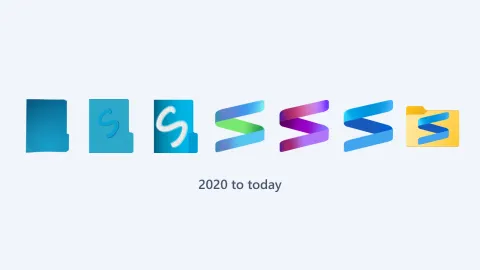
Version 0.19 also brought a new app icon: the folder picked up an “S”. See the logo through the years.
See the changelog for every detail, or go back to where it began.