
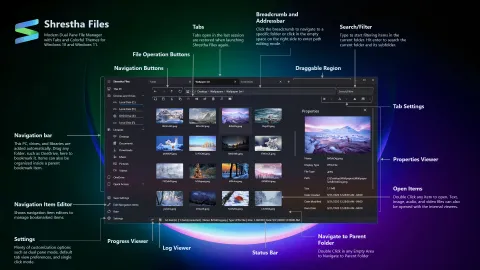
Shrestha Files Pro 1.0
On September 1, 2021, after more than a year of updates, Shrestha Files Pro reached version 1.0. Here is what led up to it and what came after.
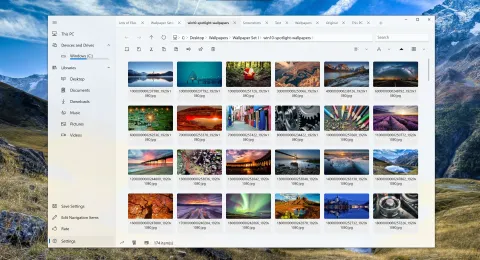
Summer 2021: tabs on top, extended search and a Markdown editor
In July 2021, Shrestha Files added a tabs-on-top layout, type-to-jump, extended search for everyone, and a text viewer that edits files and previews Markdown.
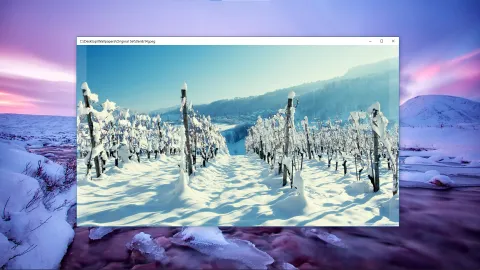
June 2021: built-in viewers for text, images, audio, video and PDF
Version 0.52 of Shrestha Files added quick built-in viewers opened with F6, along with drag selection, a pin-to-taskbar option and custom backgrounds.
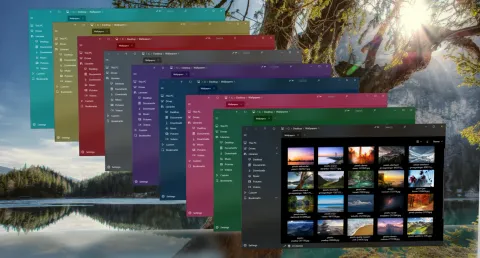
Spring 2021: color themes, custom themes and a new settings editor
Between March and May 2021, Shrestha Files gained color and hero themes, themes you can make yourself, a new settings editor, and support for older Windows 10 versions.
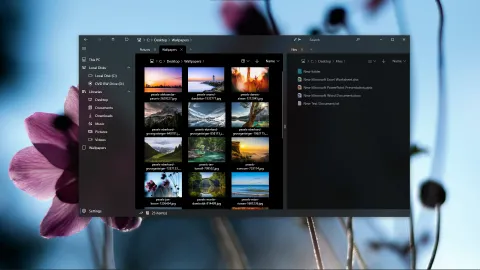
Early 2021: more languages, single-click mode and a new logo
In early 2021, Shrestha Files gained translations into more than a dozen languages, a single-click mode, a new logo and a Discord community.
October 2020: a Home page, zip extraction and much faster folders
In October 2020, Shrestha Files gained a Home page with libraries, drives and recent files, zip extraction, and a rewrite that made folders load much faster.
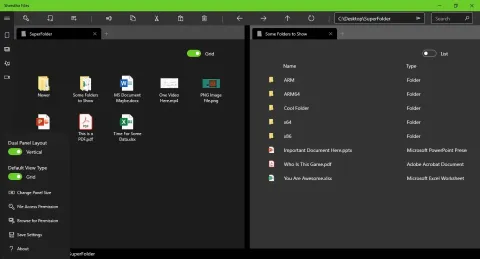
Where it began: the first versions of Shrestha Files
The 2020 releases that shaped Shrestha Files: dual pane from the start, tabs that come back after a restart, drag and drop, zip files and six view types.